
paraBASKET PremiumUnlimited records.
Unlimited records.
One payment.
The free plan keeps 5 records with every feature. Premium removes the limit for everything you own – gold, silver, platinum, palladium and currencies.
One-time payment$3.99No subscription · yours forever
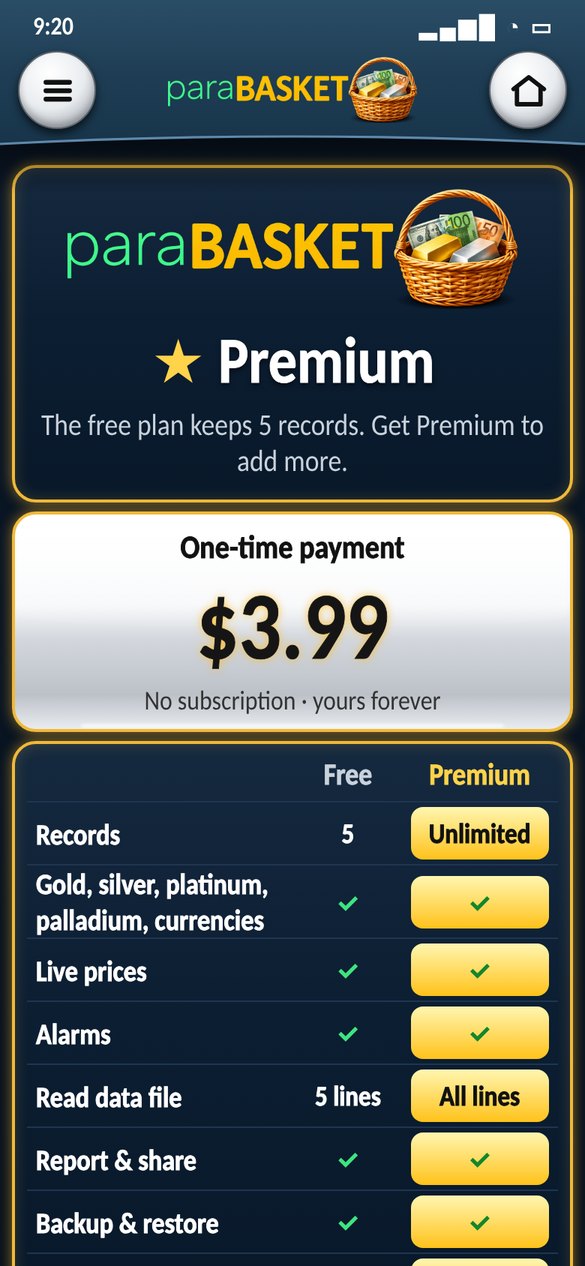
Free vs Premium
| Free | Premium | |
|---|---|---|
| Records | 5 | Unlimited |
| Gold, silver, platinum, palladium & currencies | ✓ | ✓ |
| Live prices | ✓ | ✓ |
| Alarms | ✓ | ✓ |
| Report & share | ✓ | ✓ |
| Backup & restore | ✓ | ✓ |
| Read data file | 5 lines | All lines |
| 62 languages | ✓ | ✓ |
| Support future updates | – | ✓ |
How to buy
- Open paraBASKET and tap menu › Premium.
- Tap Get Premium – $3.99.
- Confirm the payment in Google Play or the App Store.
- Done – the Premium active ✓ card shows on Home and Live.
On a new phone: menu › Premium › Restore purchase.
When you reach 5 records
Adding a 6th record opens the Premium page. On the free plan, a short Premium card shows for 3 seconds before the Live page – Premium users never see it.
Conditions
- Premium is a one-time purchase of $3.99 through Google Play or the App Store (local prices are set by the store). There is no subscription.
- It unlocks unlimited records on the Google account or Apple ID that bought it. Use Restore purchase on a new phone.
- Payment, receipts and refunds are handled by Google Play or the App Store under their rules. We never see your card details.
- Records you already have always stay – even without Premium you can see, edit, sell and delete them.
- paraBASKET is still a practice tracker: no gold, silver or money is really bought or sold in the app.
See also the Terms of use and Privacy policy.
Is it a subscription?
No. You pay $3.99 one time and Premium is yours.
How do I buy it?
In the app: menu › Premium › Get Premium. The payment is done by Google Play (Android) or the App Store (iPhone).
I have a new phone. Do I pay again?
No. Install paraBASKET from Google Play or the App Store with the same Google account or Apple ID and tap Restore purchase.
What happens to my records without Premium?
They always stay. You can see, edit, sell and delete them – you just cannot add more than 5.
Can I get a refund?
Refunds are handled by Google Play under its refund rules.